
Phonon
Vertical
Dictation
Open-source voice typing for Mac that runs locally, with a personal dictionary and Windows beta.
Founded 2026Edmonton, Canada
About Phonon
Phonon: Open-source voice typing that runs on your Mac
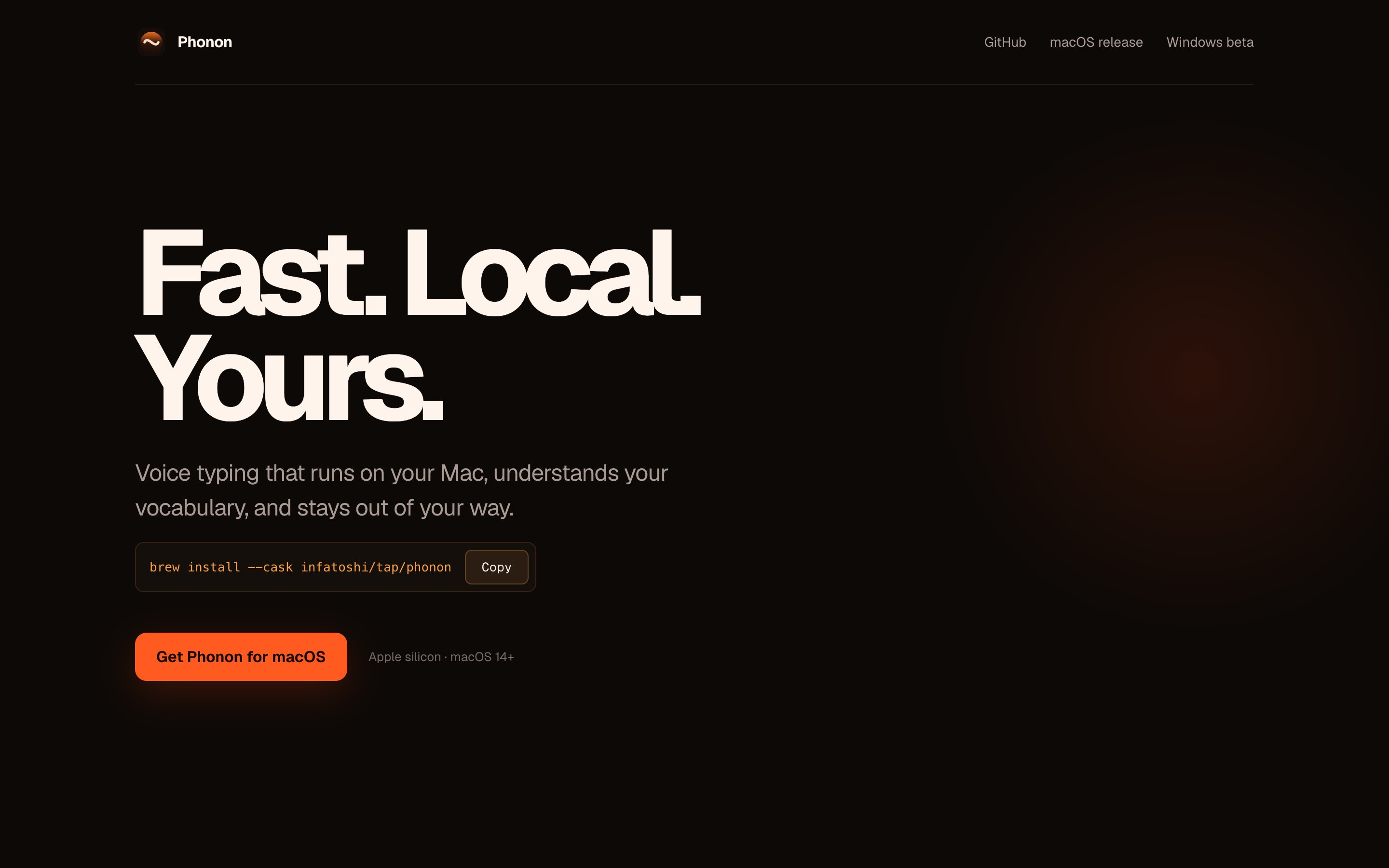
Phonon is a voice typing app for macOS that turns speech into clean text in whatever app you are using, with a Windows version in beta. Speech recognition and text correction both run locally, so audio, transcripts and dictionary terms stay on the computer. It is open source and installs with Homebrew.
Key Features
- Local speech recognition: Parakeet TDT 0.6B v2 transcribes on the Mac, running on Phonon's own Metal kernels with MLX as a fallback.
- Correction model: the Phonon refiner 1.7B, fine-tuned from LiquidAI's LFM3-1.7B, fixes misheard terms, removes filler and false starts, and keeps only the final version when you correct yourself.
- Personal dictionary: learns your vocabulary and repairs technical names without rewriting the rest of the sentence; terms can be imported from a text file or from Wispr Flow.
- Writing modes by app: casual in personal chat, formal in email and work chat, prompt style in AI assistants, terminals and editors, minimal everywhere else.
- Streaming while you talk: both models work during dictation, so only the last seconds are processed at key-up; key-up to pasted text is about 65 ms on an M4 Max.
- Ready at launch: speech and language models warm up when the app starts, so the first dictation is fast.
- Offline after setup: models are downloaded once on first launch (about 4.9 GB on macOS); no cloud account is needed.
- Windows beta: runs on the CPU on Windows 10 or 11; hold Right Ctrl to dictate, double-tap to latch.
- Command-line tools: commands to check the setup, benchmark speech recognition and correction, manage the dictionary and view usage stats.
Use Cases
- Developers: dictate prompts into AI assistants, terminals and editors with technical names spelled correctly.
- Everyday writing: voice typing for email, Slack, Teams, Discord and messaging apps.
- Privacy-sensitive work: dictation for users who need audio and text to stay on their own machine.
Pricing
Phonon is open source under the GPL-3.0 licence and requires no account.
Getting Started
- Website: https://phonon.sh/
- Source code: https://github.com/Infatoshi/phonon
- Install: on Apple silicon with macOS 14 or later, run brew install --cask infatoshi/tap/phonon or download the DMG.
Phonon brings local, private voice typing to the Mac, combining on-device speech recognition with a correction model that writes what you meant to type.

Elliot Arledge
Creator of Phonon


