

Cicada
Free, open-source app for live translated subtitles, voice interpreting and AI notes in any call.
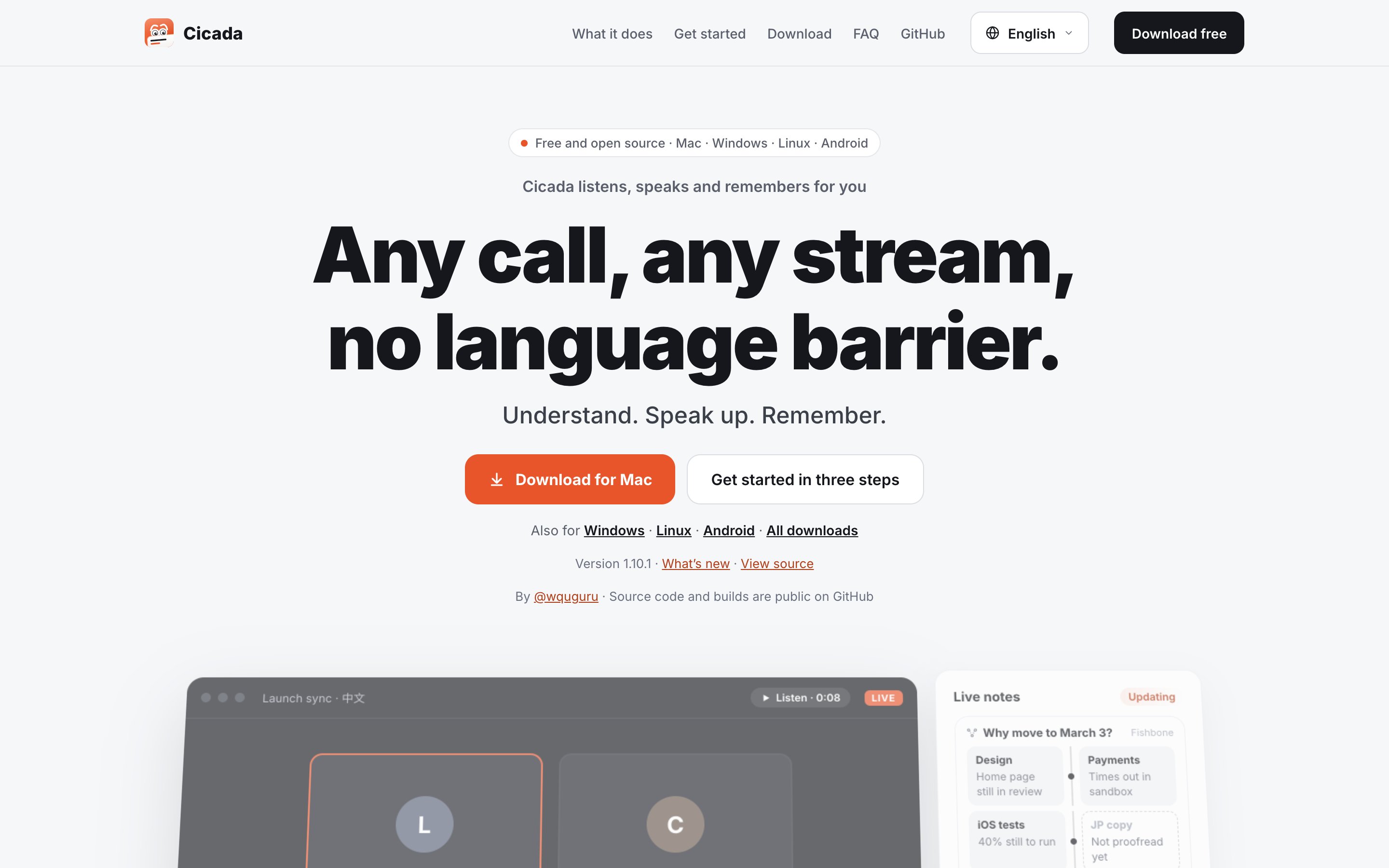
About Cicada
Cicada: Live Subtitles, Interpreting and Meeting Notes for Any Call
Cicada is a free, open-source app for Mac, Windows, Linux and Android that turns calls, livestreams and meetings into live subtitles in your language. Hold a key and speak, and it translates your words and plays them into the call through a virtual microphone. It listens to system audio, so no bot joins the meeting.
Key Features
Live Subtitles: What others say turns into subtitles in your language as they speak, with automatic language detection. It works with anything your computer plays, from Zoom, Teams and Google Meet to X Spaces, YouTube Live and podcasts.
Speech-to-Speech Interpreting: Hold the right Option key (right Ctrl on Windows) and talk. When you let go, your words are translated and spoken into the call through a virtual microphone. Natural voices cover English, Chinese, Japanese, Korean, German, French and Spanish.
Live Meeting Notes: Key points, decisions and to-dos are written during the meeting, with speakers separated by voice and each line linked back to what was said.
Word List: Misheard names and terms are fixed as you go, and your spellings are kept for the next meeting.
In-Room and Hybrid Meetings: On Mac, Windows and Linux it can listen to the room through the microphone, or to the room and the call together (macOS 26 on the Mac), marking each line In room or Online.
Bilingual Records and Export: Each meeting leaves a bilingual record. Recordings and videos can be imported for notes, with export to Markdown, Word and SRT.
On-Device Recognition: On Apple silicon Macs, speech recognition runs on the computer and recordings stay on the device; only recognized text is sent out for translation and notes, plus the sentences you speak when interpreting.
Choose Your AI Service: AI notes use a key from Ling, OpenRouter, ZenMux, OpenAI or any compatible service, including your own models. Windows, Linux and Android also send listening to that service.
Open Source and Private: Source code and builds are public on GitHub under Apache-2.0, with no analytics and no servers of its own.
Use Cases
Calls in Another Language: Following a meeting in another language and answering in the other side's language.
Streams and Spaces: Translated subtitles for livestreams, X Spaces, Discord voice and podcasts that have no captions.
In-Person Meetings: Capturing a meeting room and leaving with notes and a bilingual record.
Recordings and Videos: Importing a file to get a transcript, notes and SRT subtitles.
Pricing
Cicada is free and open source. On the Mac, live subtitles, translation and meeting records work without a key; AI notes and natural voices use your own Ling key, about ¥0.15 to ¥1 per hour of meeting, with ¥10 of free Ling credit every month. The Windows, Linux and Android apps need an AI service.
Platforms
macOS 14.4+, Windows 10 (2004)+, Ubuntu 22.04 and 24.04 desktop, and Android 10+. An iPhone app is announced.
Getting Started
Website: https://cicada.indaloop.app/en/
Download: https://cicada.indaloop.app/en/download/
Source code: https://github.com/wquguru/cicada
Cicada gives people in calls, streams and meeting rooms subtitles in their own language, a way to reply in the other side's language, and notes that stay on their own device.


