

Voicy
Speech-to-text app that types your dictation into any app, on desktop, mobile and Chrome.
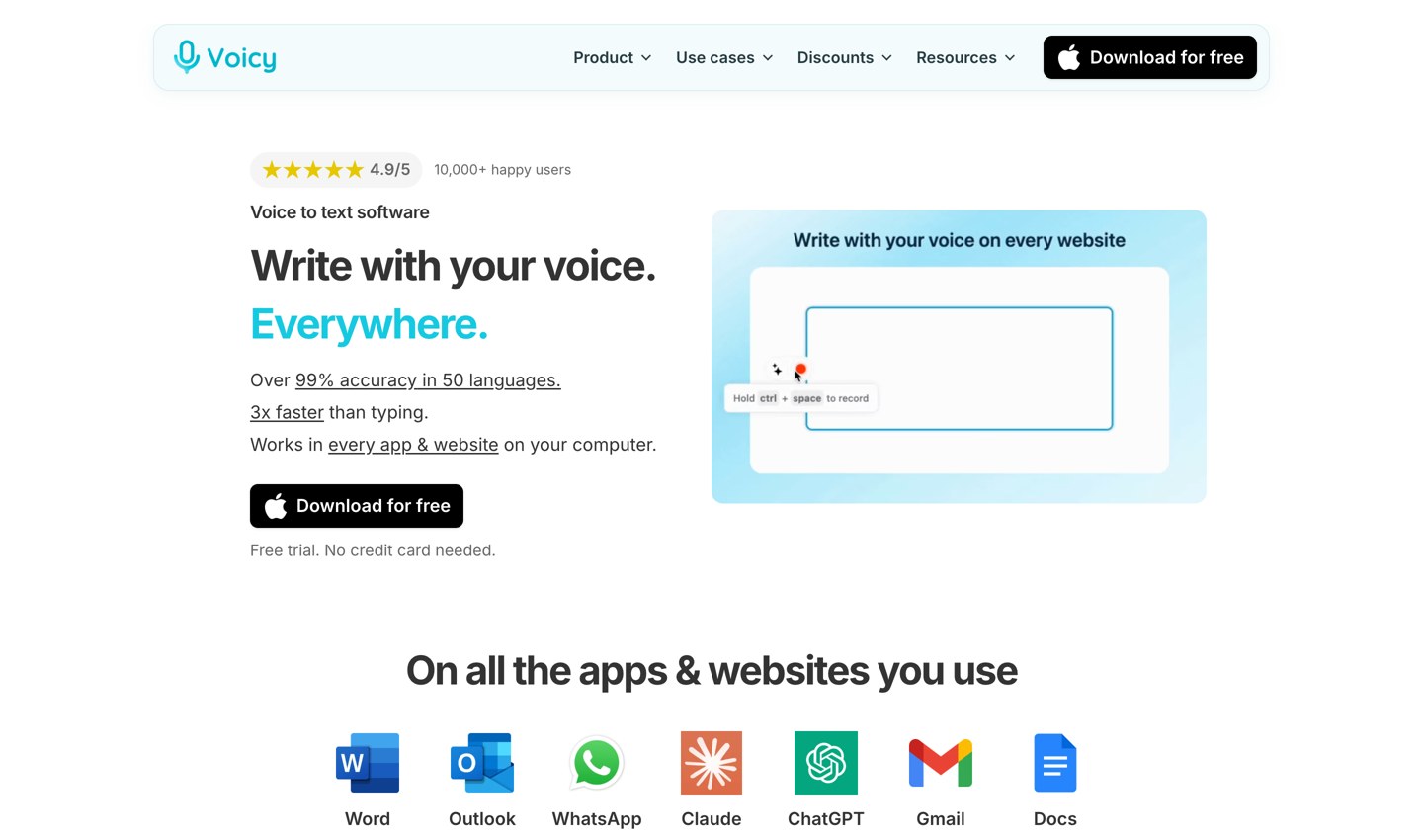
About Voicy
Voicy: Voice typing in every app and website
Voicy is a speech-to-text app for Mac, Windows, Linux, iPhone, Android and Chrome that types what you say into the app you are using, from Gmail and Word to Slack, ChatGPT and code editors. It adds punctuation and formatting automatically, supports more than 50 languages and can also run offline on the computer.
Key Features
- Works everywhere: Press a keyboard shortcut, speak, and the text appears wherever the cursor is, in desktop apps, websites and AI prompt boxes.
- Automatic punctuation and formatting: Punctuation is added as you speak, and Voicy can fix spoken corrections, so "Tuesday, I mean Monday" becomes "Monday". Filler words such as "um" can be removed.
- Context-aware formatting: Voicy recognises the type of app in use and formats an email differently from a chat message or a document.
- 50+ languages: Language detection is automatic, and speakers can switch languages mid-sentence without changing settings.
- Offline mode: On Mac, Windows and Linux, a downloaded model transcribes on the computer in 25 languages, with no audio sent to Voicy's servers.
- Rewrite Mode: Select existing text and ask Voicy by voice to shorten it, make it more polite or translate it.
- Custom Modes: Saved AI instructions turn a dictation into an email, organised notes, a message or a prompt, and can switch on automatically.
- Dictionary and voice shortcuts: Names and specialist terms are saved for recognition, and short spoken phrases can expand into addresses, signatures or full emails.
- File transcription: Paid plans can turn audio or video files of up to 60 minutes (MP3, WAV, M4A, MP4, MOV, WebM) into text.
Use Cases
- Email and documents: Dictating emails in Gmail and Outlook and long-form writing in Google Docs, Word or Notion.
- AI prompts and coding: Speaking longer prompts to ChatGPT, Claude or Gemini, and dictating commands in terminals, IDEs, Claude Code or Codex.
- Accessibility: Writing without a keyboard for people with RSI, carpal tunnel, arthritis or dyslexia, with a 20% disability discount that needs no proof.
- Teams: A team plan gives every member desktop and mobile access with priority support.
Pricing
A free trial includes 30 minutes of recording with no credit card. Pro costs $8.49 per month or $82 per year, a Lifetime licence is a one-time $260, and the Team plan is $6.79 per user per month with a minimum of 3 users. Students and people with disabilities get 20% off.
Getting Started
- Website: usevoicy.com
- Pricing: usevoicy.com/pricing
- Help center: usevoicy.com/help
Voicy suits people who write a lot and want one dictation tool that works the same way across their computer, phone and browser.

Kourosh Ghaffari
Founder


