

Voice Cursor
Vertical
Dictation
Productivity
Translation
AI dictation app that turns speech into polished text in any app, and edits selected text by voice.
San Francisco, United StatesLinkedIn


About Voice Cursor
Voice Cursor: AI dictation that writes and edits in any app
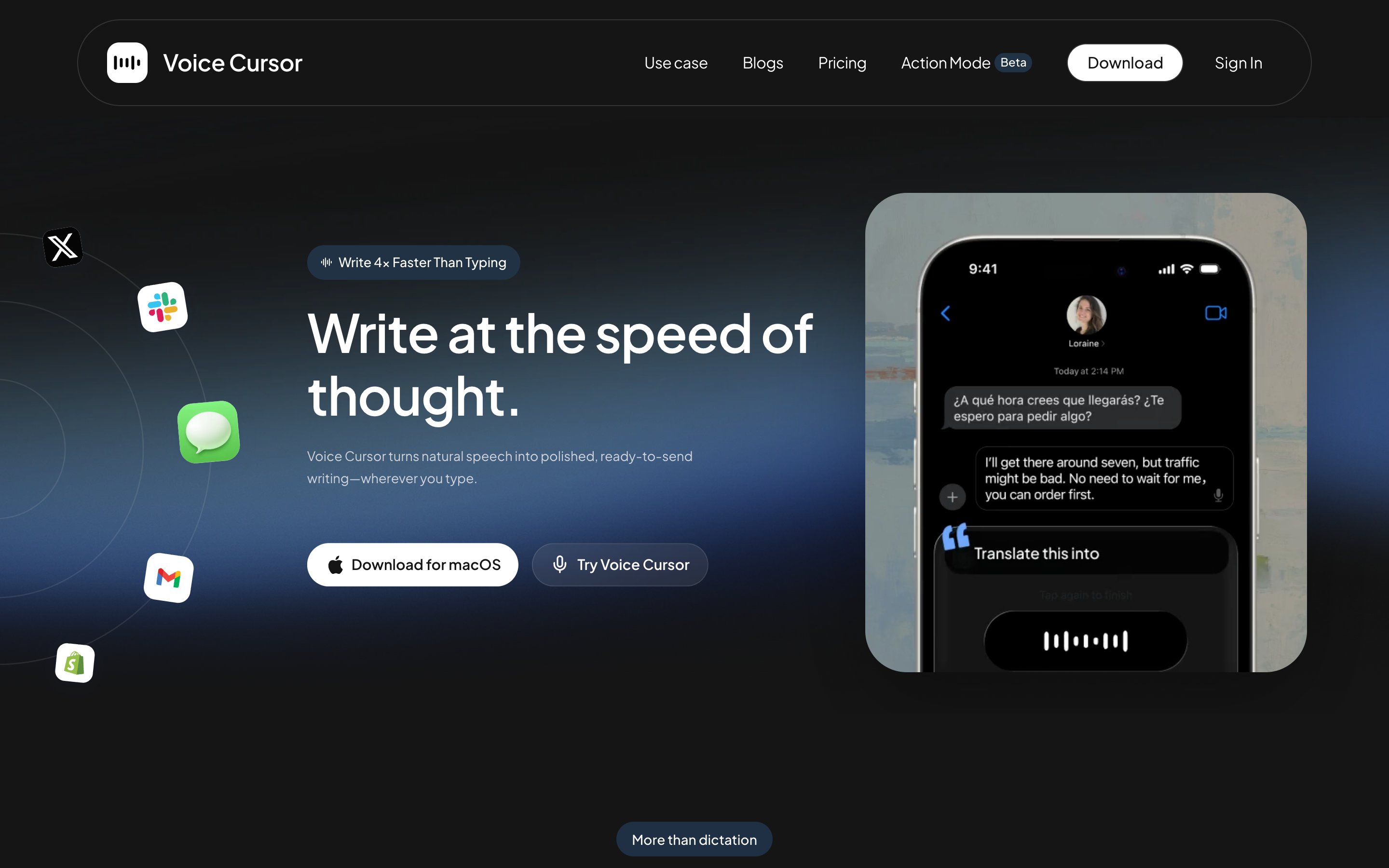
Voice Cursor is an AI dictation app for Mac, Windows, iPhone and Android that turns natural speech into ready-to-send writing in any app. It cleans up filler words, formats rambling thoughts into structured text and adapts the tone to each app. Users can also select existing text and tell it by voice to rewrite, shorten, translate or reformat it.
Key Features
- Works in every app: Dictation types directly into the app in use, from Gmail, Slack and Notion to Google Docs, Linear, Cursor, Claude Code and WhatsApp.
- Auto Format: A stream of spoken thoughts is turned into structured writing, such as a clear professional email.
- Auto Clean-up: Filler words, repetitions, pauses and false starts are removed automatically.
- Voice editing: Select any text and say what to change: rewrite it, shorten it, reformat it, or fix a single name, date or typo without retyping.
- Translation: Speak in one language and send the text in another.
- Tone per app: A default tone can be set for each app and changed at any time.
- Context-aware recognition: The app, the selected text and the surrounding context are used to recognise names, jargon and intended words.
- Dictionary and snippets: Frequently typed details are saved once and recalled by voice.
- 100+ languages: The spoken language is detected automatically, so users can switch languages without changing settings.
- Action Mode (beta): Voice requests that act across apps, such as finding a file in Finder, searching Gmail or Slack, booking a meeting or sending an email, with a review step before each action or an auto-execute option.
Use Cases
- Email and messages: Dictate replies in Gmail, Slack or WhatsApp and get clean, formatted text instead of a raw transcript.
- AI prompts and coding: Speak long, detailed prompts for ChatGPT, Claude or Cursor, including bug context and constraints.
- Docs and notes: Draft documents in Google Docs, Notion or Apple Notes from a spoken outline, then restructure them by voice.
- Multilingual work: Write to colleagues or customers in another language while speaking in your own.
Pricing
- Free: $0, with 2,000 words per week across all devices, custom dictionary and snippets, and 100+ languages.
- Pro: $20 per month billed monthly, with unlimited words on Mac, Windows, iPhone and Android, priority support, early access to new features and team collaboration features; an annual plan is also offered.
- Enterprise: Custom pricing with dedicated support, SOC 2 Type II and ISO 27001 compliance, SSO/SAML, usage dashboards and bulk discounts.
Getting Started
- Website: voicecursor.ai
- Download: macOS, Windows, iOS and Android
- Trial: new users get 14 days of Pro free, with no credit card required.
Voice Cursor goes beyond plain dictation by letting users edit, translate and restyle text by voice in the apps where they already write.


