
Lispr
Push-to-talk dictation for Mac and Windows that can type a translation into 32 languages.


About Lispr
Lispr: Push-to-talk dictation and translation
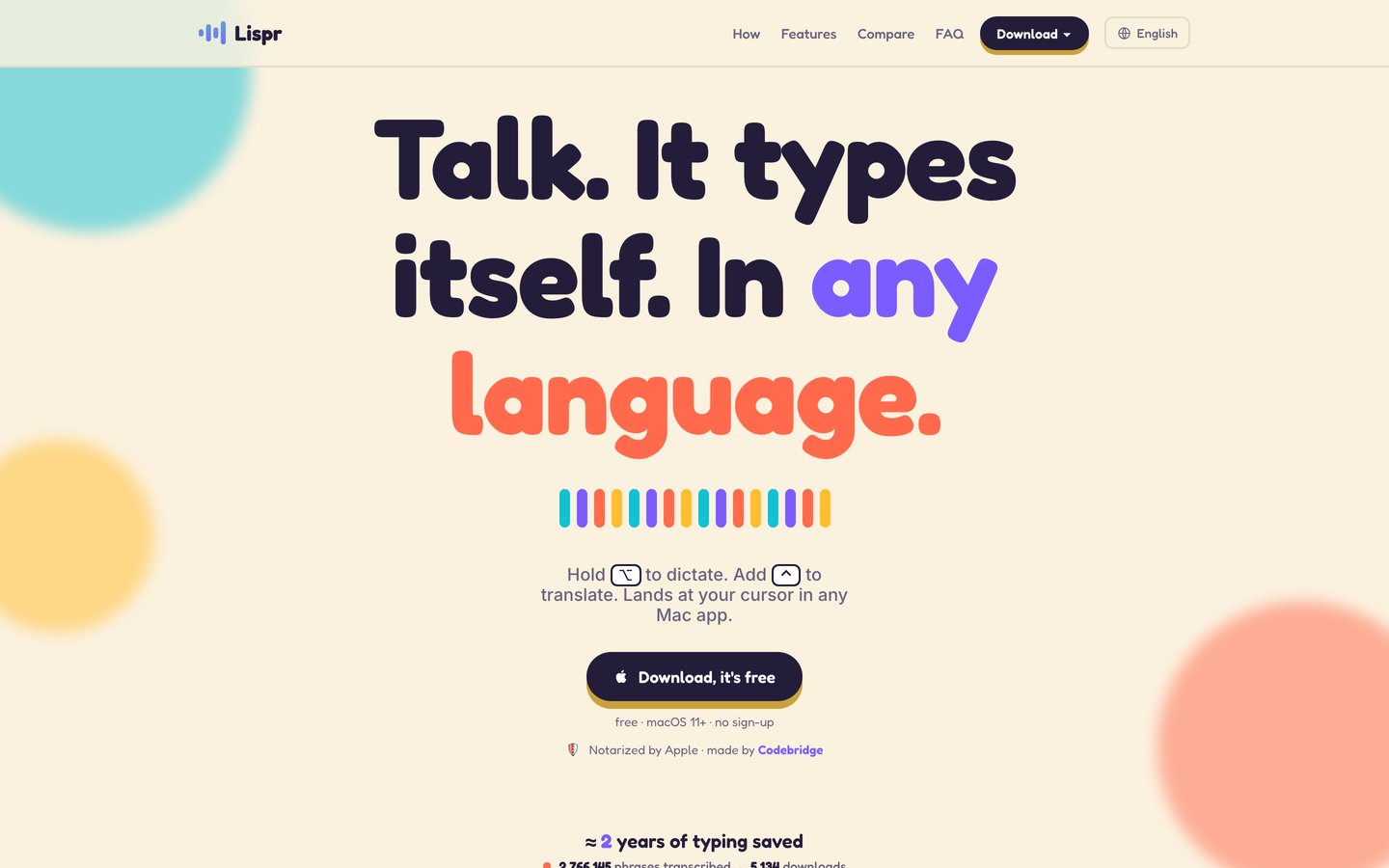
Lispr is a push-to-talk dictation app for macOS and Windows that types speech at the cursor in any app. Holding the right Option key dictates, and adding the Control key mid-speech types a translation instead. It recognizes around 99 spoken languages, translates into 32 target languages and works without an account.
Key Features
- One-key dictation: Hold the right Option key, speak and release: the text lands at the cursor in Slack, Notes, Figma, Terminal or any app where a cursor blinks.
- Built-in translation: Adding the Control key mid-speech types the sentence in a target language. The top two languages sit on slot keys, and the rest can be picked in Settings.
- Automatic language detection: The spoken language is detected automatically from around 99 languages, using the Whisper large-v3-turbo speech model.
- Speed: Lispr quotes about 0.35 seconds for dictation and about 0.7 seconds for translation, from releasing the key to text at the cursor.
- Custom vocabulary: Product names, code identifiers and client lists can be added to a personal dictionary that both dictation and translation respect.
- Clipboard-safe insertion: Lispr inserts the text, then restores whatever was on the clipboard before.
- Small footprint: The macOS download is about 6 MB and takes around 17 MB installed, running from the menu bar with push-to-talk on one key.
- Privacy defaults: Audio travels over an encrypted connection, is transcribed in the cloud and then discarded, and none of it trains a model. Sharing recordings is off unless the user turns it on, and dictation history stays on the device.
- No sign-up: The app works out of the box. An optional account, using an email code, carries a paid plan across devices.
Use Cases
- Multilingual messaging: Speaking English and sending a reply in Spanish, or any other target language, in WhatsApp or email.
- Non-native writers: Writing in a language the user barely speaks without typing it word by word.
- Developers: Dictating into Terminal and code tools, with code identifiers kept in the custom vocabulary.
- Everyday writing: Dictating messages, notes and documents without moving to a separate editor.
Pricing
The free plan includes 60 dictation minutes per week (reset every Monday), dictation in around 99 languages, translation into 32 languages, the personal dictionary and local history. Lispr Pro costs $7.99 per month or $79 per year and adds unlimited dictation minutes, AI formatting (paragraphs, lists, concise mode) and one account across devices. New installs get a 30-day Pro trial with no card required.
Getting Started
- Website: lispr.ai
- Download: lispr.ai/download
- Help: lispr.ai/help
Lispr targets Mac and Windows users who want fast cloud dictation with translation built into the same key, at no cost for everyday use.


