

Vertical
Productivity
Free, open-source voice dictation that transcribes on your device and types into any app.
San Francisco, United StatesLinkedIn


About Hex
Hex: Local Voice Dictation for Mac, Windows and Linux
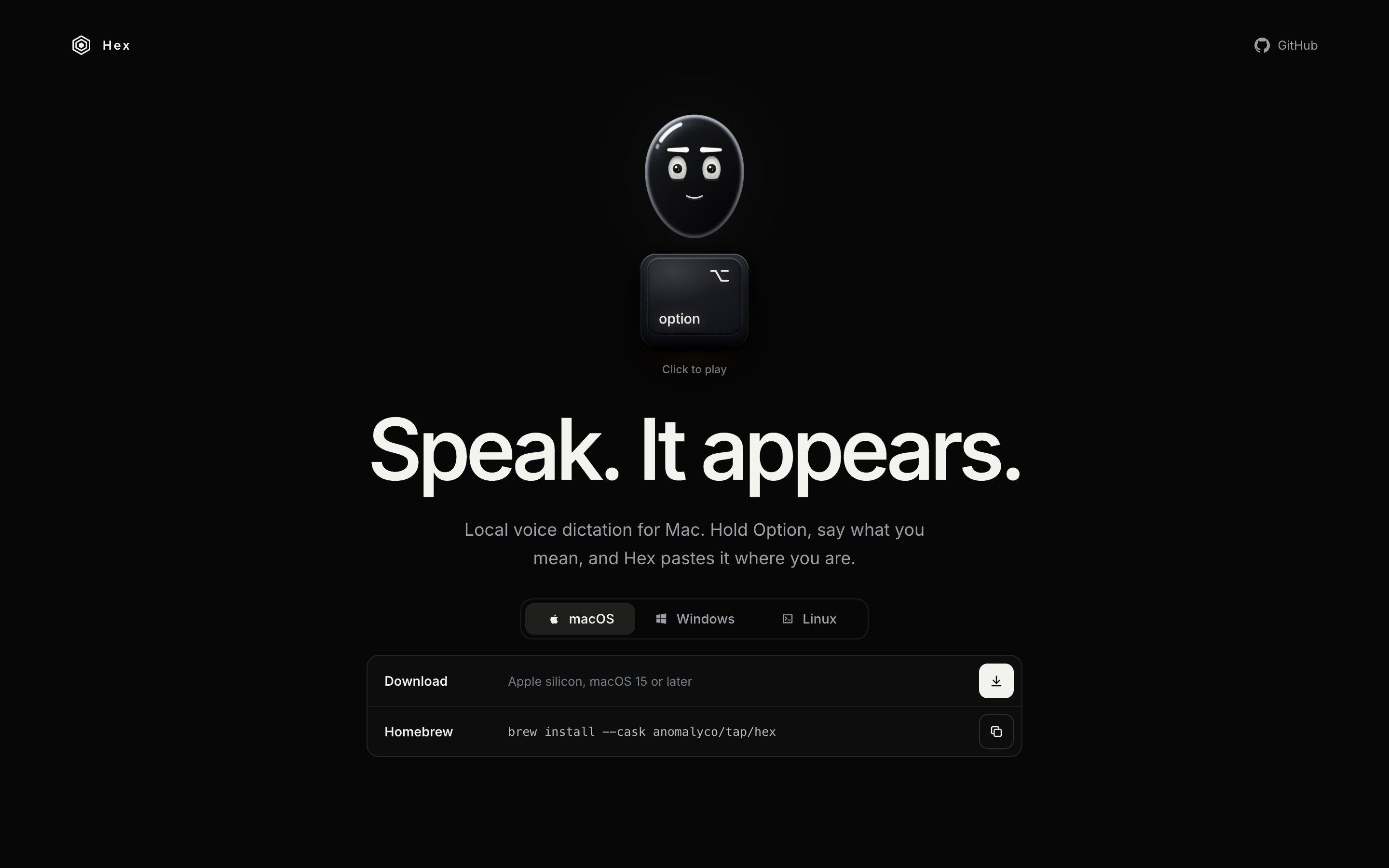
Hex is a free, open-source dictation app that turns speech into text on your own computer: hold a shortcut, speak, release, and the text is pasted wherever your cursor is. Transcription runs on the device with a downloaded speech model, so after the first run nothing leaves your machine.
Key Features
- Push-to-talk dictation: Hold the shortcut (Option by default on Mac), say what you mean, and let go. Hex transcribes the clip and pastes it into the active app.
- Locked recording: Double-tap the shortcut to keep recording hands-free, then tap once more to finish, which suits longer dictation.
- On-device transcription: The first launch downloads a local speech model. After that, audio and text stay on your computer.
- Cross-platform: Runs on Apple silicon Macs (macOS 15 or later), Windows x64 and ARM64, and Linux x86_64 and ARM64, with Windows and Linux in beta.
- History and paste last: Past dictations are kept in a History view, and a shortcut pastes the last dictation again.
- Custom vocabulary: A vocabulary list biases transcription toward the names and terms you add.
- Bring your own model: Add a GGUF speech model file (Parakeet, Whisper, Qwen3 ASR and other supported architectures) or reuse one another app already downloaded.
- Meetings (beta): An opt-in mode on macOS records your microphone and system audio and saves meeting transcripts locally.
- Agent access: A command-line tool and a read-only MCP server let AI agents read retained transcripts and control the running app.
Use Cases
- Writing by voice: Draft emails, messages and documents in any app without typing.
- Prompting coding agents: Speak long prompts and bug descriptions into terminals and AI coding tools.
- Private dictation: Dictate sensitive notes without sending audio to a cloud service.
- Meeting notes: Keep local transcripts of calls on a Mac.
Pricing
Hex is free to download and use. The source code is published on GitHub under the MIT license.
Getting Started
- Website: https://anoma.ly/hex/
- Source code: https://github.com/anomalyco/hex
- Install: Download the macOS DMG, the Windows installer or the Linux build from the website, or install with Homebrew (brew install --cask anomalyco/tap/hex), AUR or Nix.
Hex gives Mac, Windows and Linux users a simple push-to-talk way to write by voice, with transcription that stays on their own machine.


