Crodo AI
Vertical
Assistant
Note Taker
Voice-first AI assistant for macOS dictation, screen reading, and meetings.
Founded 2026Indore, Madhya Pradesh, India
About Crodo AI
Crodo AI: Voice-first AI for macOS
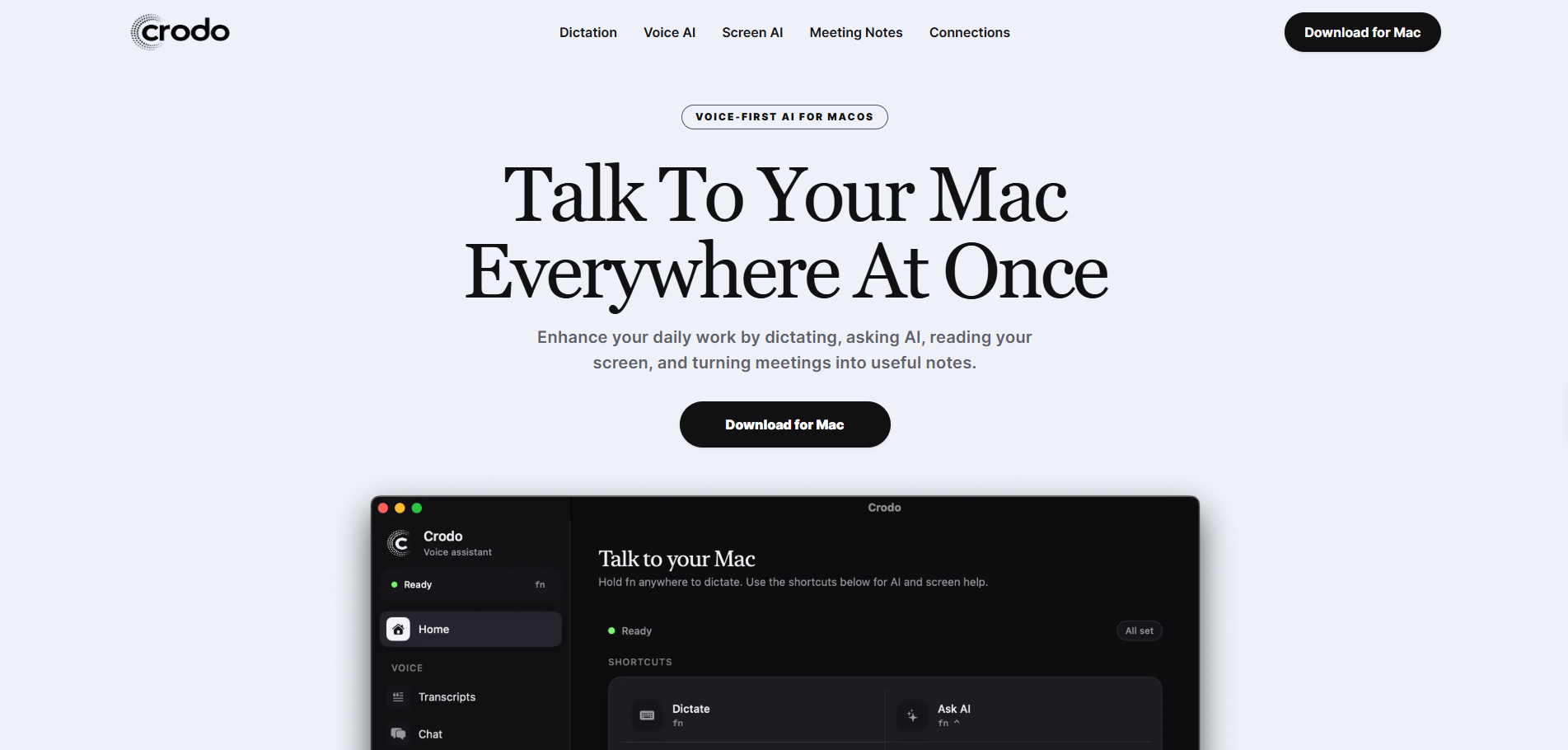
Crodo AI is a macOS voice assistant designed to enhance daily workflows through dictation, voice-activated AI chat, screen-aware assistance, and automated meeting notes. Operating via global hotkeys, the application allows users to interact with their Mac without leaving their current active window or relying on a keyboard.
Key Features
- Universal Dictation: Speak into any application using a hotkey to transcribe, clean up, and paste punctuated text directly at the cursor.
- Voice AI Chat & Web Search: Ask questions, search the web for current news or prices, and copy answers to the clipboard.
- Screen-Aware Help: Capture the active display and ask spoken questions to get assistance based on on-screen context.
- Meeting Notes & Recording: Record microphone and system audio to generate transcripts, structured summaries, decisions, and action items.
- App Integrations: Connect Gmail, Google Calendar, and Slack to read unread emails, check schedules, and draft replies directly from real account data.
- Memory & Reminders: Remembers projects, people, and preferences, and sets time-zone-aware reminders and tasks.
- System Control & Customization: Open Mac applications by voice, set custom hotkeys, choose specific microphones, and build a custom dictionary for frequently misheard names.
Use Cases
- Context-Free Writing: Writing emails, tickets, documents, and messages using voice without switching context or applications.
- Meeting Management: Summarizing long calls into actionable decisions, key points, and assigned tasks.
- Text Reframing: Selecting existing text and asking the AI to rewrite it to be shorter, warmer, or clearer.
- Schedule & Inbox Management: Asking the assistant to read the latest unread emails or check calendar availability for specific times.
Getting Started
Website: https://www.crodo.ai/
Crodo AI provides a fast, voice-driven layer for macOS, enabling users to dictate text, manage meetings, and interact with their daily applications through simple spoken commands and hotkeys.